Moving Records Between Collections
- Once a record has been published in a collection, an administrator can still add or move it to another collection or sub-collection.
- In order to manage a published record's collection, first navigate to the record's landing page in the frontend
- Then, click the "Manage" button in the top right corner of the record landing page:
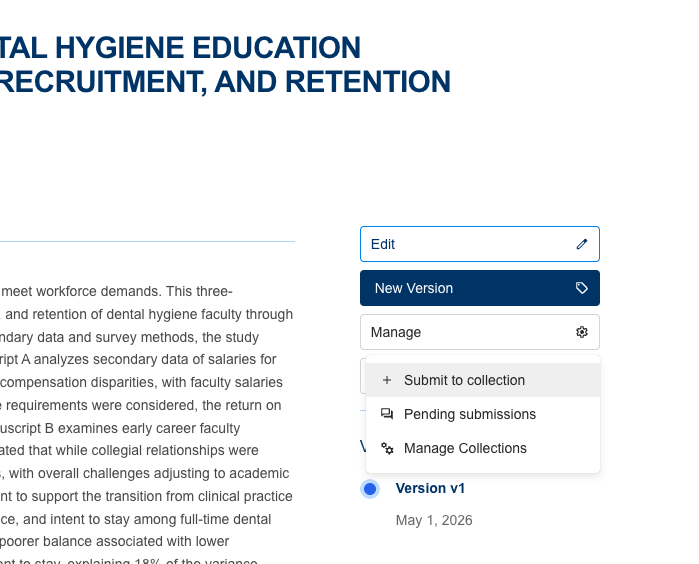
- Select "+ Submit to collection" from the drop down menu that appears
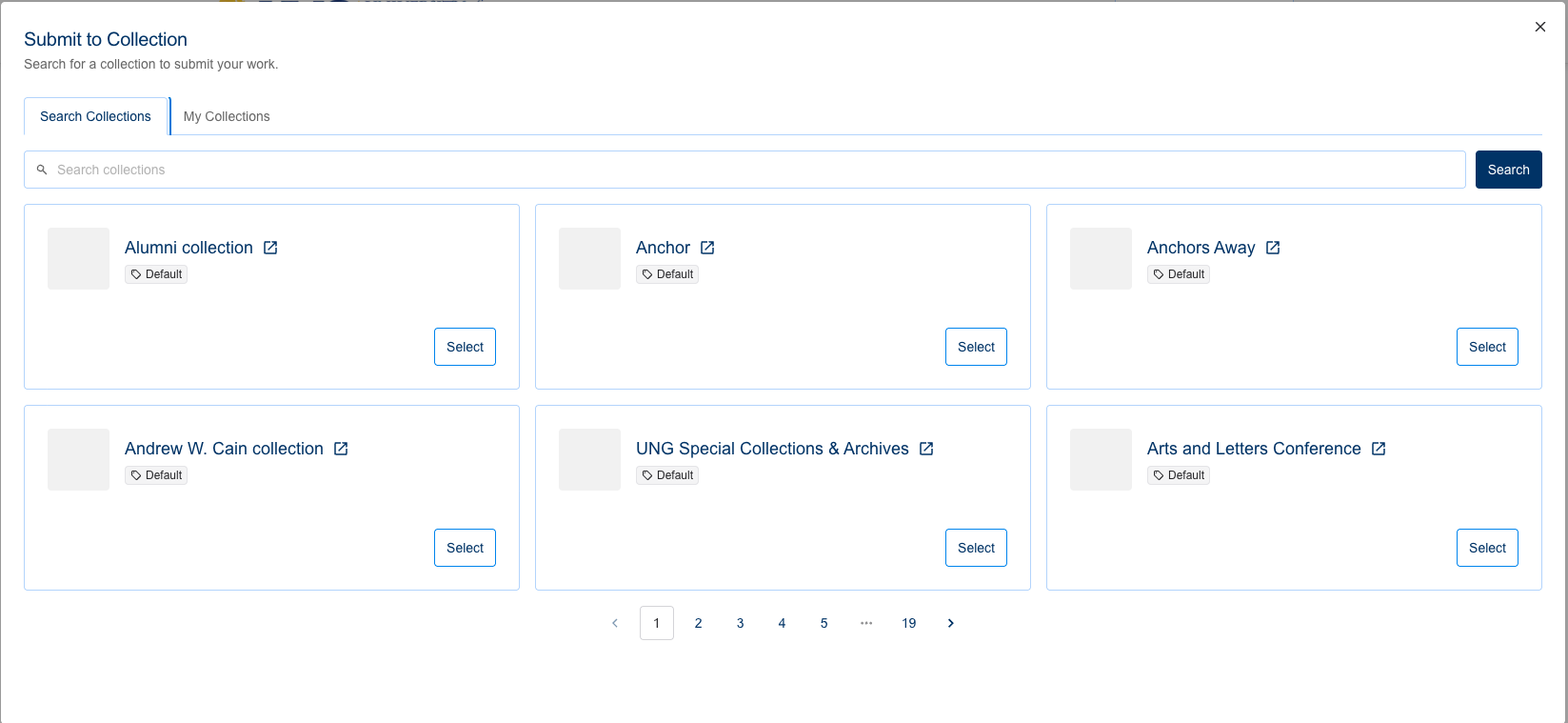
- Then you will be able to search for and select the collection you wish to add the record to:
Did this answer your question?
Thanks for the feedback
There was a problem submitting your feedback. Please try again later.
No results found

